
Things you will need:
- Android phone with a rear camera (use as the source of video stream)
- PC/Laptop or another android phone (the receiver or viewer of video stream)
- IP Webcam application
- Wifi network (it acts as the bridge for transmission of video stream)
- Technical knowledge is a must.
Setup of video source: The Android Phone
- Connect your android phone to Wifi Network.
- On your android phone, install the IP Webcam application which can be downloaded on Playstore.
- Open the application and configure the setup on what settings you want, it depends on you.
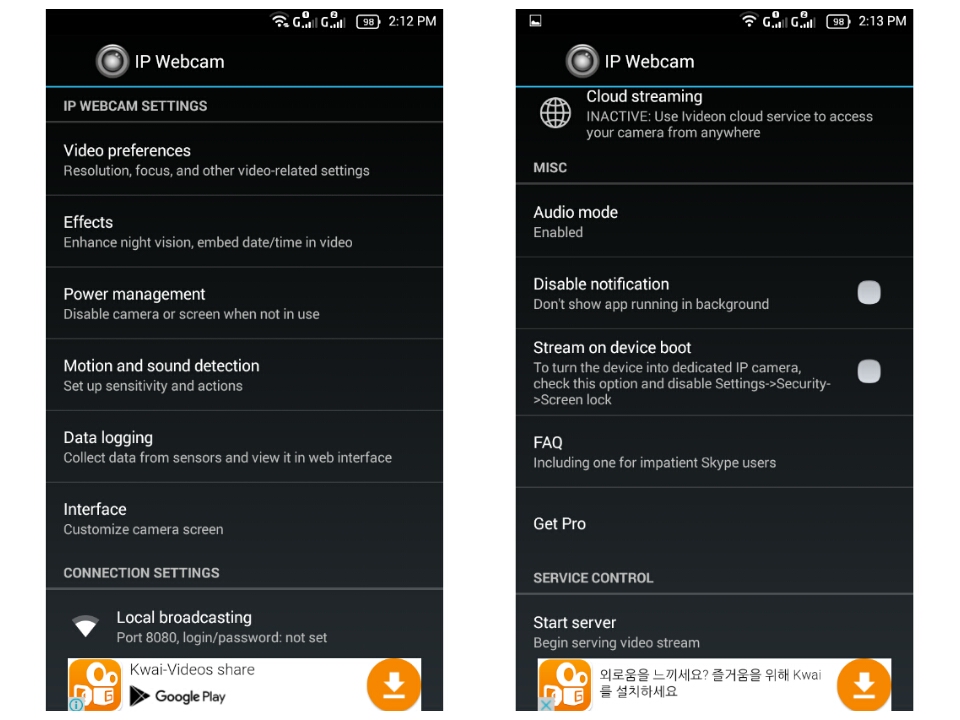
- Scroll down until you found the Start Server option and then click it.
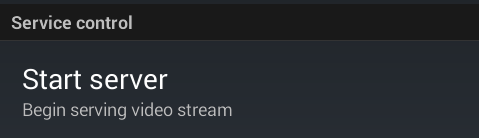
- Your phone is now ready to transmit the video stream, copy the ip address that will be shown on the bottom part. Example: http://192.168.8.101:8080

Setup of receiver or viewer of video stream:
If you want to use your PC/Laptop as the receiver/viewer:
- Proceed to your PC/Laptop and connect it to the same Wifi Network
- Open the internet browser, it can be Google Chrome or Mozilla Firefox.
- Input the ip address that you have copied from IP Webcam application to the address bar of your internet browser and click enter.
- This will appear on the internet browser:

- In order to view the video stream, click Video Renderer : Browser.

If you want to use your another android phone as the receiver/viewer:
- Connect the android phone to the same Wifi Network.
- Download and install the application called TinyCam Monitor, it is free to download on Playstore.
- <updating and still testing>


